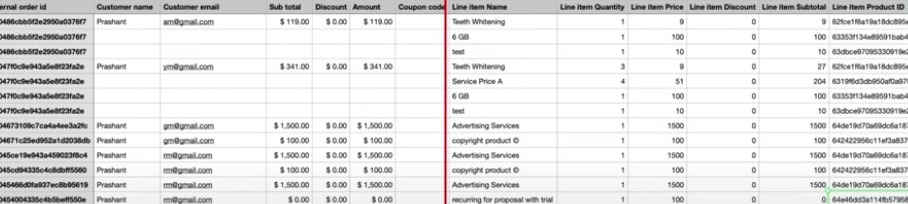
The Orders tab allows you to manage all of your Orders. You can view a sortable, searchable list of all Orders, which you may also download via an Excel file.
This list gives you a history of all orders that may be important for your accounting purposes, managing metrics and goals for your team, planning business initiatives, and more.
Within the list of all Orders, you can customize what information is displayed.
Here’s an overview of each option:
- Order status: view all, pending, completed, or canceled orders

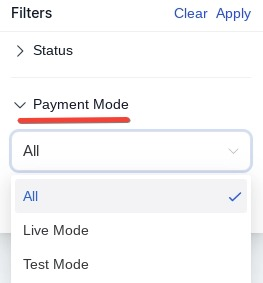
- Payment mode: view all, live mode, or test mode
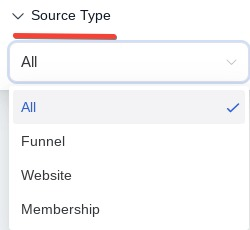
- Source: view all, funnel, website, or membership
- Search for a period using dates – such as January 1, 2022 – January 31, 2022
You can customize what filters for the information you wish to display, and you can sort the list as needed.
If you want to download the data for use or analysis elsewhere, you can export/download an Excel file conveniently and easily using the button in the top right corner.

Note: Now, the CSV file will also include, the item name, quantity, price, discount, subtotal, product ID, and price ID.