In this article, we’ll teach you how to troubleshoot your ‘Call Event’ when it is not working. A ‘Call Event’ is just one of many ‘Events’ that you can create inside a campaign. You can add yourself as a user to test that the event is running properly.
Step 1: Create a test contact record with your own mobile number
- Navigate to Contacts. Add a Contact.
- Fill out the form with your information.
- Save.
Step 2: Create a ‘Call Event’ Campaign
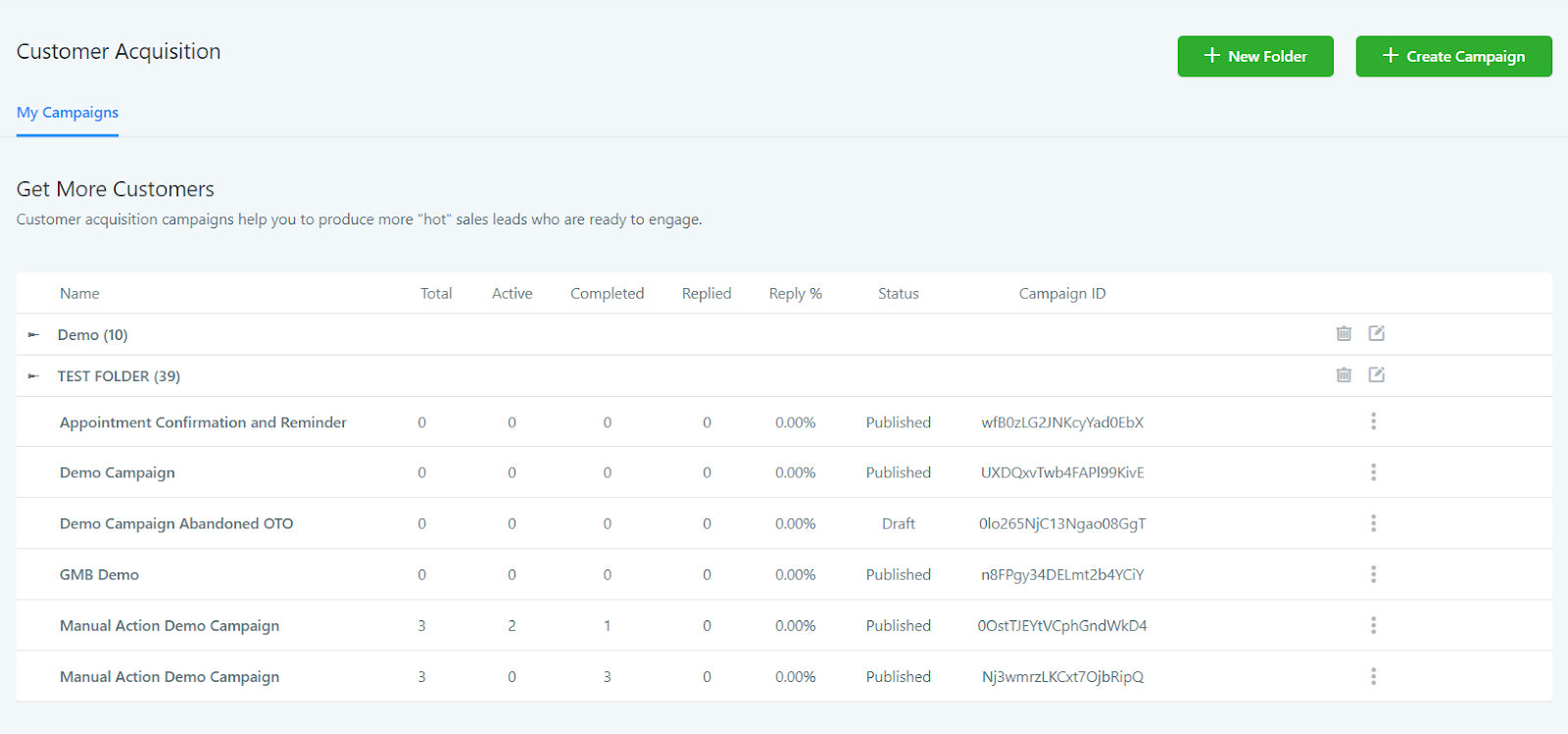
- Create a new Campaign, or click into an existing Campaign.
- Click “+Add Event”.
- Choose Call Event.
- Save the event in the campaign.
- Switch the campaign from Draft to Published mode.
Step 3: Add yourself to the Campaign

- Navigate back to Contacts.
- Find your name and your contact record (the test one you created in Step 1).
- Scroll down the left panel and find “Active Campaigns”.
- Click the +Add icon underneath, choose the campaign you created in Step 2.
- Save.
NOTE: Check the call event for your test contact. If you received the call, the problem might be with your Lead on their end. In the case that you haven’t received your test call, you can check your Twilio account to see if there is an issue with your Twilio. You can check the status of the campaign event to see if it was deemed a “success” or “failed” in Infinite Sales, and if there is a Twilio issue, a Twilio error code will appear. (Check out our other tutorials on understanding Twilio error codes for in-depth explanations on the most commonly occurring ones.)