With this feature, you can measure how much a contact interacts with your business. This can help you know the level of interest they have.
This can help your business prioritize where to communicate with your leads and nurture them.
To calculate the scores, you need to track interactions, such as email opens, calendar appointments, form submissions, and more.
Each interaction has a different score, based on the significance and it can add or subtract points. Follow the next steps in this article to add your scores and know how to track them.
Step 1: Edit the Score
- Go to Settings
- Click on Managing Scoring
- Add the name and description of your score profiles.

Step 2: Add your rules
- Add your rules by clicking on Add New Rule or edit the ones you have by clicking on the 3 dots.

- Example: A successful payment will add points, but a contact who enabled all DND channels will subtract points.
- Once the profile is published, the score will be reflected in all the contacts
Step 3: Sorting and Filtering
- Go to your Conversations tab on the right panel. Here you can see and update the score.

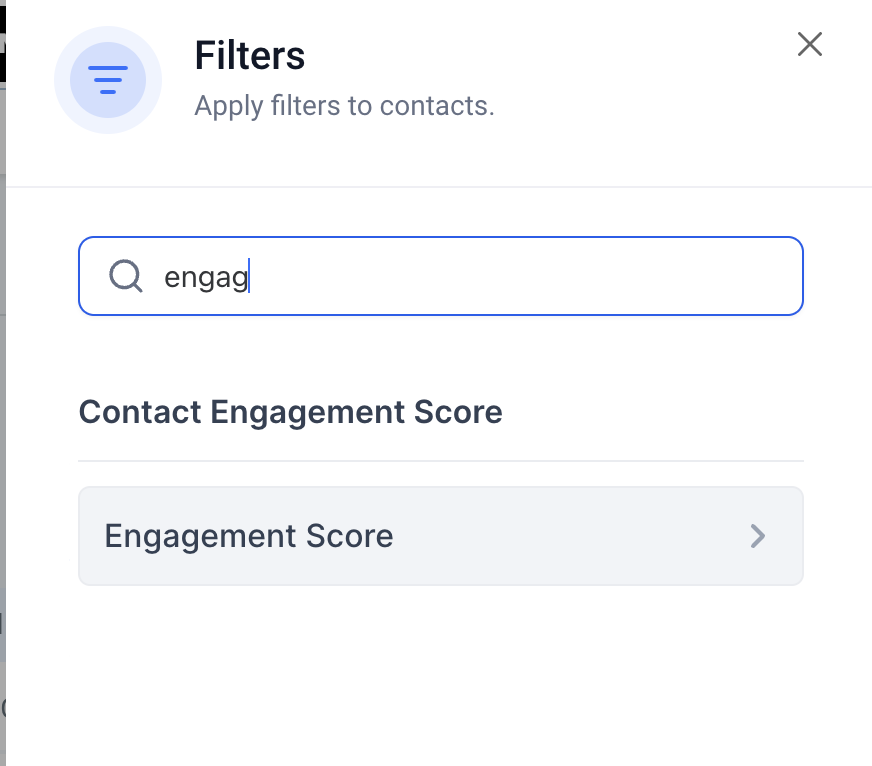
- On the Contact tab, you can filter by Engagement Score and create a smart list.
Note: The engagement score is only visible if you have published the score profile under Settings > Manage Scoring.